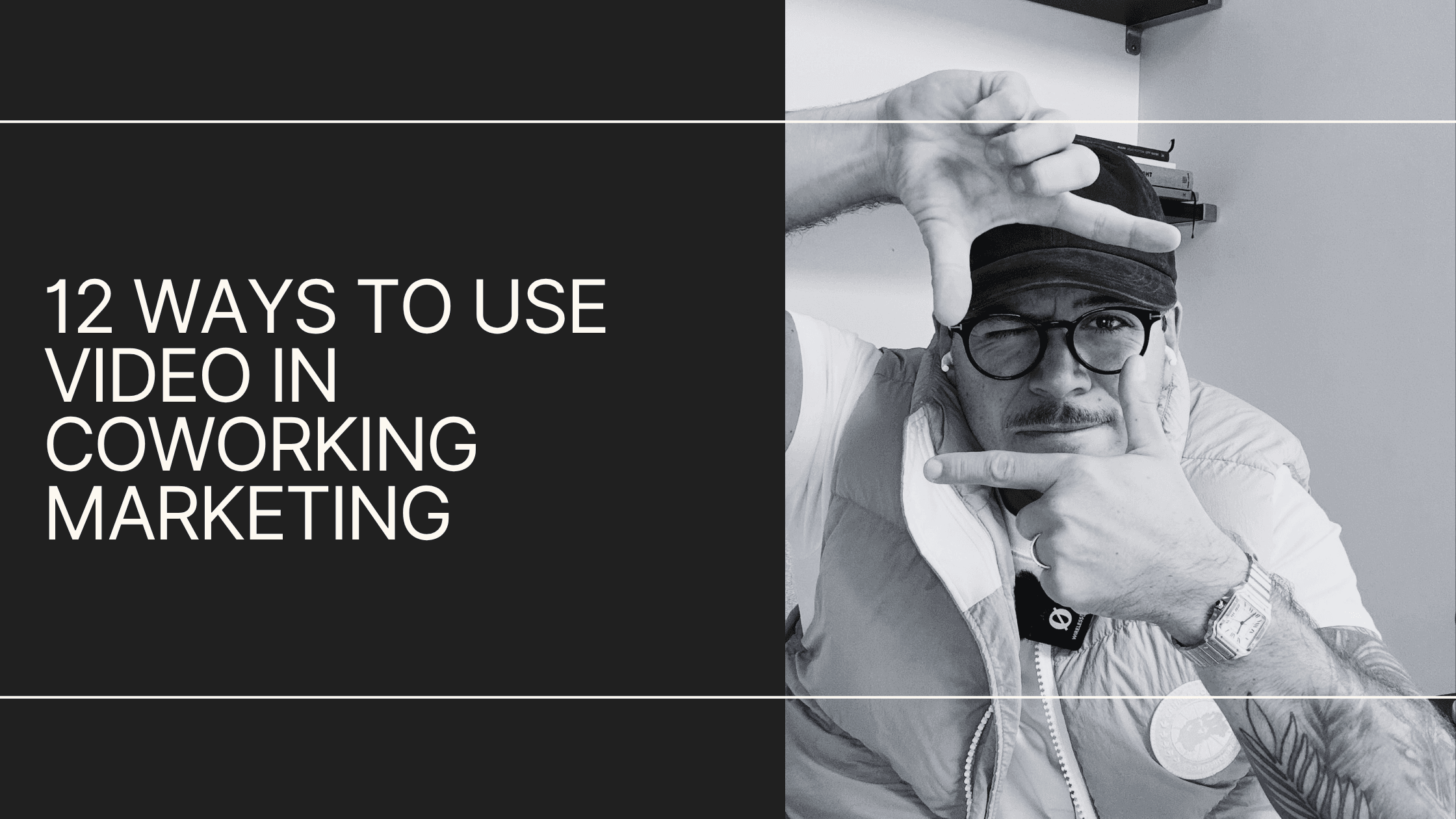
Video is, in my humble opinion, one of the most undervalued content formats available to coworking operators right now.
Most spaces have a photo gallery and a floor plan, and that's where it stops.
That's a miss, because video does things a photo gallery and a floor plan can't. It builds trust in the people behind the brand, sells the space and the community around it, and gives your sales and ad channels something to work with.
So, here's a speed round of twelve types worth considering, with where each one lives, how long it should run, and how to shoot it. I've also included a few real-world examples of video content I love.
At the end, I'll get into which ones you can shoot scrappy and which deserve a budget.
By the way, in the spirit of experimenting with video, I let ChatGPT edit this one. Is it any good? I have my feelings, but I'll let you be the judge. I just thought I'd let it fly in the spirit of having a little fun.
1. Brand or founder videos
In coworking, people connect with the brand (and, often, the person/people behind it) as much as the space itself.
A founder video gives prospects a feel for:
- You
- Your space
- Your values
- The vibe and tone
- The community they'd be walking into
You and your brand are a reflection of that experience. Record it once, edit it once, and it lives for years.
Where it lives: Your homepage or about page, pinned on YouTube.
How long: Two to three minutes.
How to shoot it: Horizontal, on a tripod, with a lav or shotgun mic. Shoot in the space rather than against a blank wall, and cut in B-roll of members and the room so it isn't three minutes of a talking head.
Want a great example? Check out The Root's brand video.
2. Thought leadership / profile building
If you're chasing management agreements or building broker relationships, your own profile is the lever. Same if you just want to be a recognizable face for your brand.
It also earns you:
- Speaking slots in front of your target audience
- Media coverage, which matters more than it used to, because PR is now a big part of showing up in AI search
- YouTube presence, which is one of the strongest correlates with AI visibility and one of the least-used channels in this industry (more on that in 9 stages of generating coworking revenue)
This one is a slow burn. Think of it as regular deposits into an account that compounds. It looks like nothing for a while, and then it's worth a lot.
Where it lives: YouTube and LinkedIn, with the podcast and blog fed from the same recording.
How long: One to five minutes.
How to shoot it: Horizontal for YouTube, then crop to vertical for clips. Fixed camera, eye level, decent light on your face, and a mic. Record once, cut many.
I might be biased because I help him produce it, but Launch Workplaces CEO Mike Kriel's Flex in Five video series is a great example of this:
3. Space tours
It's one thing to see photos of a space and read the specs. Seeing it is another.
Short of an in-person tour, video is the next best way to get a feel for it. And a video tour works in both directions:
- Someone who watches it and doesn't feel it probably won't book a tour your team would have spent an hour on
- Someone who watches it and likes it walks in warmer, and that's where your team has the best shot at closing
Either way, the video did its job before anyone booked anything.
Where it lives: Your location page and your Google Business Profile.
How long: 60 to 90 seconds.
How to shoot it: Horizontal, on a gimbal or at least steady hands, walking the route a real tour takes: entrance, common areas, meeting rooms, offices. Shoot during working hours so there are people in it, and keep the camera moving slowly.
Shift Workspaces recently shared a tour video from their Bannock location, which is an awesome example:
4. Member spotlights
After brand and vibe, community is usually the next thing that gets someone to sign.
A spotlight lets a member talk about themselves and their business, and it lets prospects see who they'd be sharing their workdays with.
There are two side benefits:
- Retention: People love being featured, and it tells them you care.
- Co-marketing: When the member shares the video with their own network, you're in front of an audience you'd never have reached on your own.
Both of those are worth more than the clip itself.
Where it lives: Blog, social, and the member newsletter.
How long: Two to three minutes, cut down to 30-second clips for social.
How to shoot it: Horizontal for the full version, with a vertical safe zone in mind for clips. Seat them at their own desk or in a spot they use. Ask open questions, let them talk, and cut the questions out.
Here's a good example from my friends at SOMO Cowork:
5. Case studies
Say an enterprise client needed to get set up in ten days. Or needed flexibility a traditional lease couldn't give them. Or you fit out a suite to their spec.
Capture that story on video, with supporting written content around it, and you have proof for the next prospect with a similar problem.
This is the format that helps close the larger, more complex deals.
Where it lives: A case studies page and your sales team's follow-up emails.
How long: Two to four minutes.
How to shoot it: Same setup as a spotlight, plus footage of the actual suite or fit-out. Get the client to say the problem, the timeline, and the result in their own words. That's the whole video.
Here's an example: I had the chance to help Vast Coworking create case studies with franchisees across its three brands:
6. Team / member interviews
I separate these from spotlights on purpose. A spotlight is a member talking about their business. An interview or feature shows the space in motion:
- A day in the life of your community manager
- A behind-the-scenes look at the space
- A member's normal workday, filmed rather than described
Like attracts like. Showing people at work in your space draws in similar people.
Where it lives: Instagram and LinkedIn first, then the blog.
How long: 60 to 90 seconds.
How to shoot it: Vertical, handheld, natural light. Short clips through the day rather than one long take, with a quick voiceover or captions to string them together.
Bond Collective did a great video feature of their Community Manager. Check that out:
7. Service videos
A lot of people still don't fully understand what coworking is, and reading about a service on a pricing page rarely fixes that. There's education that has to happen before the education.
Service videos do three jobs:
- Explain what you offer
- Handle objections up front
- Upsell things like meeting rooms and virtual office packages before anyone has to pitch them
Do it well and your sales team spends less time explaining and more time closing.
Where it lives: The relevant product page, and the nurture emails that go to leads who haven't toured yet.
How long: 30 to 60 seconds each.
How to shoot it: Horizontal, one service per video, showing the thing in use: someone booking a room, mail being handled, a day pass check-in. Screen recordings are fine for anything that happens in an app.
I give a ton of love to these guys, and for good reason. Pavilion Cowork did a video outlining their core services:
8. Suite tours
An extension of service videos, aimed at a specific available suite. Think of it as virtual merchandising for your private offices.
Specs and a floor plan tell someone the square footage. A 20-second walkthrough tells them whether they'd want to sit in it.
Shoot one for every suite you're actively trying to fill.
Where it lives: Your availability page, your aggregator listings, and the availability emails from my one-time bookers post.
How long: 20 to 30 seconds.
How to shoot it: Vertical works here, since they'll mostly be viewed on a phone. Walk in the door, pan the room, show the window, show the door closing. Furnished beats empty every time.
Double-dipping on Pavilion Cowork, but I also liked this quick video they did for one of their available Private offices:
9. Neighborhood tours
Whether you have one location or a hundred, each location is a hyperlocal business at its core.
People are buying the location and, by extension, what's around it. Consider it your outsourced amenities.
A neighborhood tour can be:
- Your ten favorite lunch spots for client meetings
- A walk around the block showing the parks, gyms, restaurants, and whatever else is out the door
- A "best of the neighborhood" roundup that stays evergreen
The pitch is that a membership here comes with all of this.
It also taps local SEO, and it gives you a reason to tag the businesses you feature, who may reshare and put you in front of their audience too.
Where it lives: Blog and social.
How long: One to two minutes.
How to shoot it: Vertical, handheld, on foot. Get the storefront, the interior, and the thing you'd order. Say the business name on camera so you can tag them.
10. Programming + event recaps or promos
Coworking is hospitality for professionals.
If you're hosting networking events or lunch-and-learns, or a member is hosting them, capture it and share it.
Recaps shot on the fly show buzz and vibrancy, and they make the added benefits of membership visible to people who haven't experienced them yet.
Where it lives: Social within 48 hours, then the member newsletter, then your Google Business Profile, which favors a fresh 20-second clip every month or so (see 8 Google Business Profile upgrades).
How long: 30 to 60 seconds.
How to shoot it: Vertical, handheld, during the event. Wide shots of the room full, close shots of people talking, and one clip of whoever is presenting. Post within 48 hours or it's stale.
Another quick shout-out to SOMO Cowork. I really liked this Waffle Wednesday event promo they shared:
11. Social media
Social is its own can of worms and deserves its own article, which is why I wrote one.
For the purposes of this list, two things:
- Capture video that fits your brand and the platforms you're on
- Repurpose everything else on this list into your channels, as long as it fits your strategy
Almost every other type here becomes a social clip. This is where they get their second life.
Where it lives: Instagram, LinkedIn, and wherever else your audience is.
How long: 15 to 60 seconds.
How to shoot it: Vertical, captions on, hook in the first two seconds. Native-looking beats polished here, so don't overthink it.
12. Ad cuts
These are the videos that generate leads and retarget site visitors at scale, and they're the easiest to tie to ROI.
Each platform wants something different, so shoot with the placement in mind:
- Meta: Vertical, under 15 seconds, hook in the first two.
- YouTube: Six-second bumpers that can't be skipped, and 15-to-30-second in-stream ads that can, so the first five seconds carry the whole thing.
- LinkedIn: Watched with the sound off, so captions are mandatory and shorter is better.
- Google Performance Max: Horizontal, vertical, and square versions of the same cut, or Google will crop it for you badly.
Get the format wrong and the platform will bury it, no matter how good the footage is.
Where it lives: Your ad accounts.
How long: Six to 30 seconds, depending on placement.
How to shoot it: Shoot horizontal at the highest resolution your phone allows and frame with room to crop, so one master can become 16:9, 9:16, and 1:1. Hook in the first two seconds, captions on, logo by second five.
Scrappy vs. high production value
Not every one of these needs a videographer. Some are better without one.
Quick aside: the video this article came from is scrappy. It's me, a smartphone, a ring light, a microphone, and half a brain, with a semi-articulate approach to getting the message across.
Not to pump my own tires, but you can make decent, passable content without a big investment of time or money.
Here's how I'd split the twelve.
Where a smartphone is enough
These suit basic equipment because when they feel overproduced, they feel inauthentic. I like the idea of capturing a moment rather than building a whole setup around one.
- Member spotlights, team and member interviews, and event recaps: Real people, real setting, no staging.
- Neighborhood tours: You and your team out in the world with a phone.
- Social media: From what I've seen this year, native-looking content is outperforming polished, ad-like content on most platforms, so don't be afraid to get a little rough.
- Thought leadership: Can go either way. This video is the scrappy version, and a produced version works just as well.
Everything else on the list is worth a budget.
Where to bring in a videographer
These are evergreen, they sit on your website, and they're the closest thing a prospect gets to the real thing before they visit. Give them some polish.
- Brand and founder videos: They set an elevated tone and live in perpetuity, so they should look the part.
- Space tours, suite tours, and service videos: Anything showcasing the space itself is a direct reflection of your brand.
- Case studies: You're asking a client to go on camera for you, so make it worth their time.
- Ad cuts: The spend behind them justifies the spend on them.
Rough cost for the produced stuff: $1,500 to $3,500 and up, depending on what you're shooting and how much of it.
Most operators still aren't doing this
Video is the most undervalued content asset in coworking marketing, and that's the opportunity.
The operators who capture these twelve things now, and feed the footage into everything else they publish, will stand out for a while before everyone else catches up.